Elevator Game
Write JavaScript to control a fleet of elevators and move passengers as efficiently as possible.
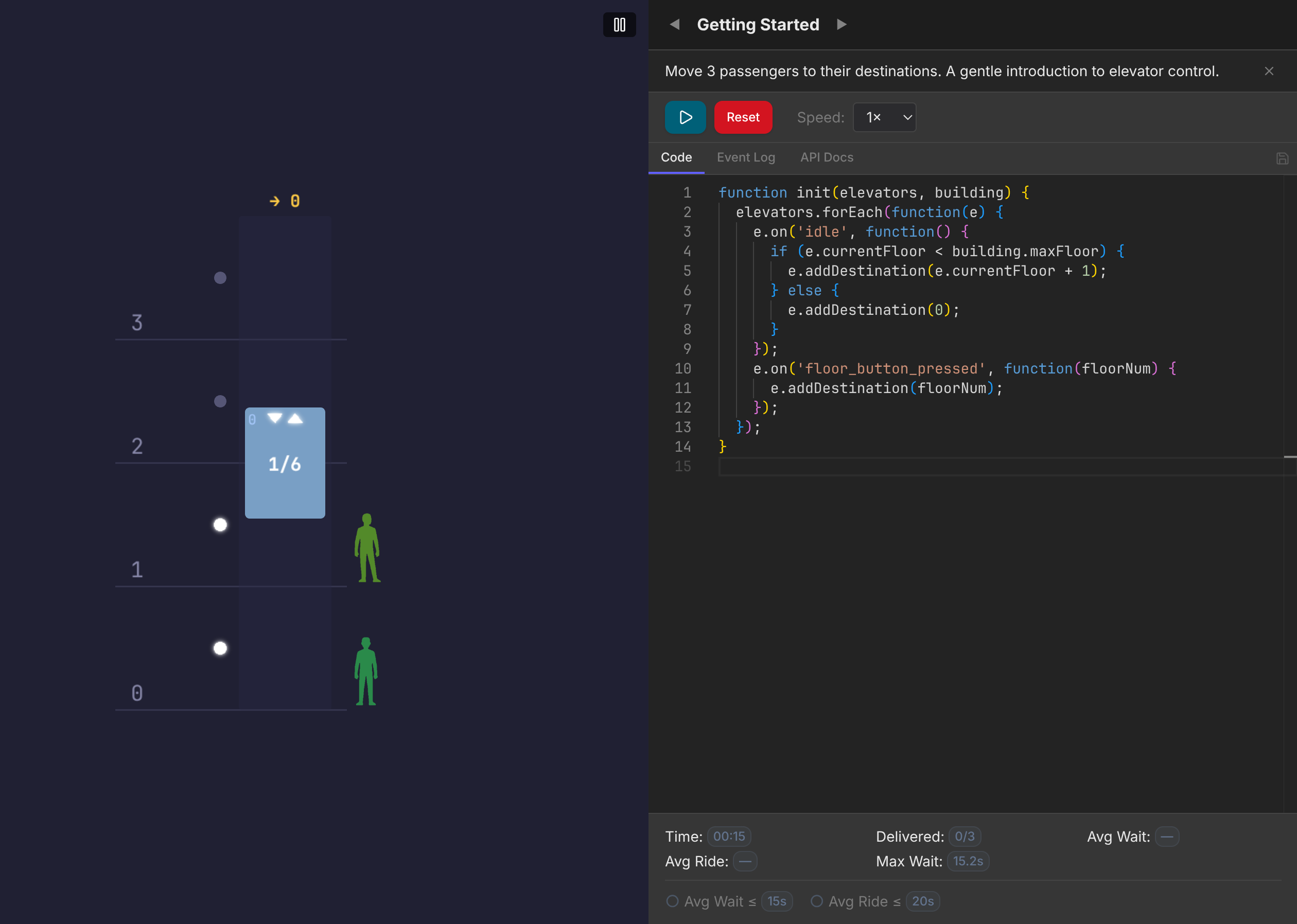
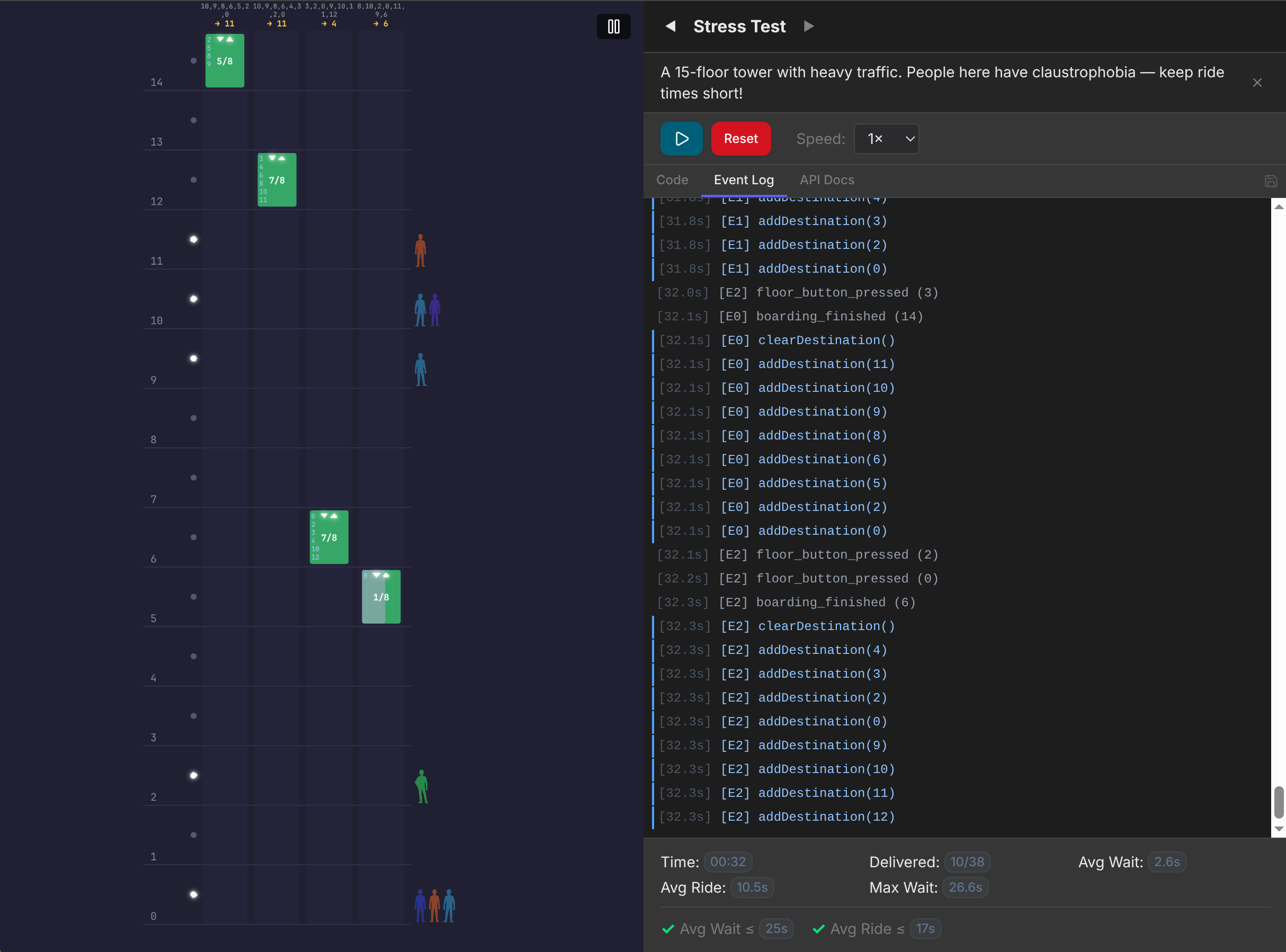
In the game, you are tasked with coding a control algorithm for a building's elevator system. The simulation runs entirely in your browser using built-in VS Code, enabling quick iteration. Your results are validated on the server using the same initial parameters. Once validated, your results will be posted on the leaderboard, where you can compare them with those of other players.
How It Works
- You will start with a code that works, but it won't let you pass the level. Your goal is to solve it.
- The in-game API Docs tab lists every method, property, and event in detail, along with examples of how to use them. Read it if you stuck.
- Once you hit the play button, you will see all the events and your code actions that happen during the game run. This is available on the Event Log tab.
- Each level ends when you deliver the target number of passengers, but each level also has unique goals regarding average wait and ride times. A level is considered passed when all goals are reached.
Tips
- Start with the simplest possible algorithm and optimize from there.
- Prefer in-game events over polling state inside
init. - You can put your custom
functionsinsideinitto reuse them in your code. - Each elevator has a finite
maxPassengerCount. Watch out for full elevators —elevator.isFullis your friend. - Doors must be open for passengers to board or leave; use
setIndicatorto control which waiting riders board. - Read the API Docs tab in-game; every method and event is documented there.
- Use the speed selector (1x – 10x) to iterate faster while testing and check event log to debug code's logic.
- Your code is auto-saved per level in
localStorage. Sign in to also sync it to the server.